Published
A Nintendo Switch 2 game-key card is a transferable physical card that acts as the license for a downloaded game. The card does not contain the full game data. The first time you use it on a Switch 2, you insert the card, connect to the internet, and download the software to internal storage or a microSD Express card. After that initial setup, the game can launch offline—but the game-key card must remain inserted whenever you play.
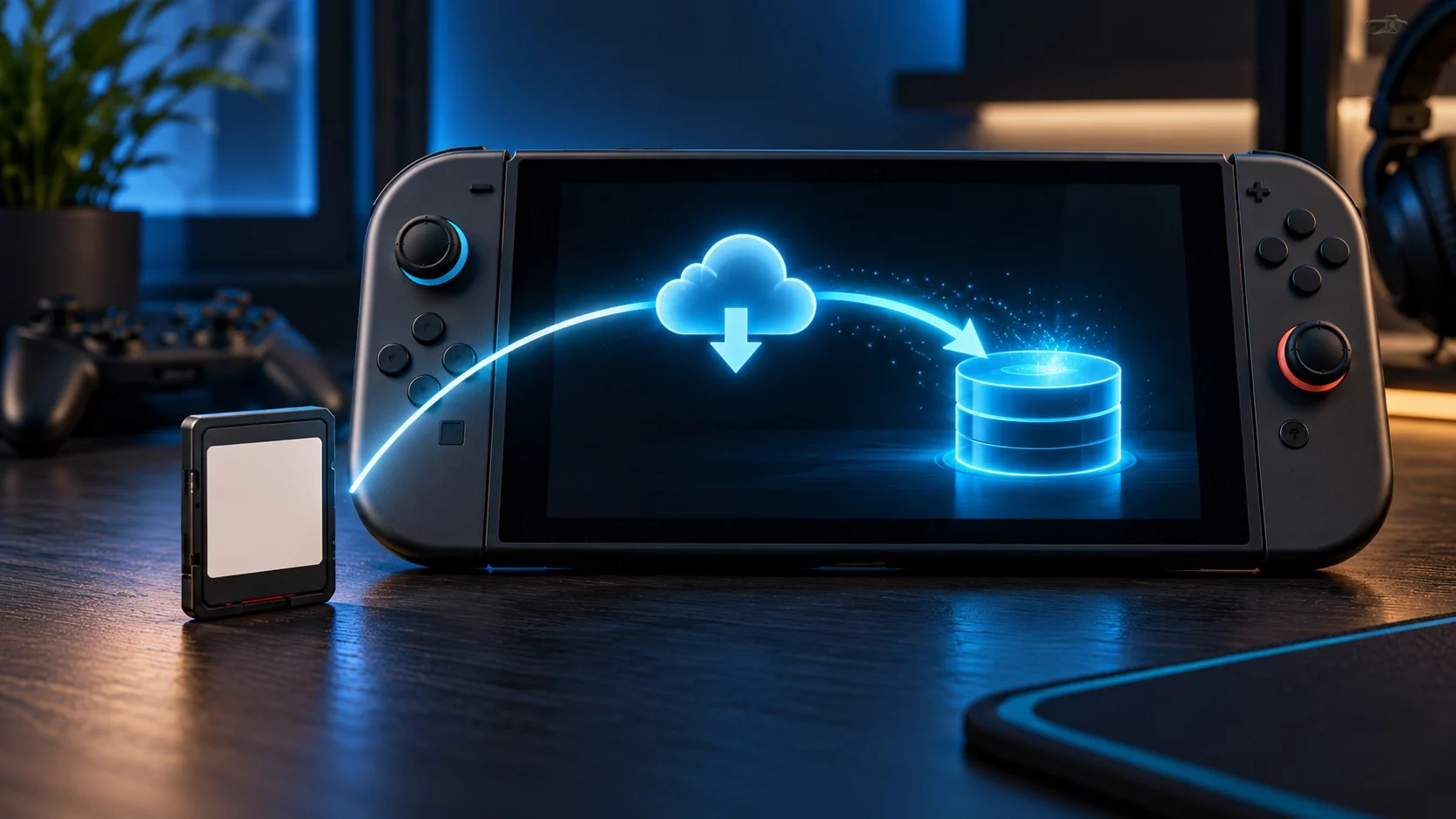
That makes the format neither a traditional cartridge nor a normal digital purchase. It needs storage and an initial download like a digital game, but it can be lent, given away, or resold like physical media because Nintendo says it is not tied to a Nintendo Account.
Switch 2 game-key cards at a glance
| Question | Game-key card answer |
|---|---|
| Is the full game stored on the card? | No |
| Is an internet connection required? | Yes, for the initial download on a system |
| Can it play offline afterward? | Yes, after the download and first launch requirements are completed |
| Must the card stay inserted? | Yes, whenever the game is played |
| Does it use console or microSD storage? | Yes; the full game is downloaded |
| Is a Nintendo Account required to download it? | No |
| Can it be lent or resold? | Yes; the card is not tied to one Nintendo Account |
| Can two people play from one card simultaneously? | No; the card is the required physical key |
| Will it work on the original Switch? | No, if it is Switch 2 software |
Watch: Using Game-Key Cards on Nintendo Switch 2
Nintendo explains how game-key cards work. This is the manufacturer’s explainer, alongside the ownership and download details in this guide.
Video by Nintendo of America. Loads from YouTube only when you press play. Watch on YouTube
How does a Nintendo Switch 2 game-key card work?
The setup is straightforward:
- Insert the game-key card into the Nintendo Switch 2.
- Follow the download instructions that appear on the HOME Menu.
- Connect to the internet and download the full game.
- Wait for the installation to finish.
- Leave the card inserted and start the game.
Nintendo says the required free space is printed on the game-key card packaging. You can also check the digital game’s Nintendo Store or Nintendo eShop page. Before buying, compare that requirement with the usable space available under System Settings > Data Management.
The card continues to matter after installation. Removing it is similar to removing a conventional cartridge: the downloaded files may remain on the system, but the license needed to start the game is no longer present.
Game-key card vs. regular game card vs. digital game
| Feature | Regular game card | Game-key card | Digital game |
|---|---|---|---|
| Full game data on physical card | Generally yes, although updates may still be required | No | No physical card |
| Initial full-game download | Usually not for the base software | Required | Required |
| Uses internal or microSD space for full game | Not necessarily; updates and saves still use storage | Yes | Yes |
| Physical item required to launch | Yes | Yes | No |
| Tied to Nintendo Account | No | No | Yes |
| Simple to lend or resell | Yes | Yes | No conventional transfer or resale |
| Works offline after setup | Often, subject to game requirements | Yes, according to Nintendo | Depends on the digital-license setup and game |
The crucial difference is where the software lives. A regular game card contains game data. A game-key card contains the key while the downloaded software lives on the Switch 2 or a microSD Express card. A digital purchase places both the download entitlement and license within Nintendo’s account system.
Can you play a Switch 2 game-key card offline?
Yes, after the initial download. Nintendo says the internet is required when the game is first launched and downloaded on the system. After that, the game can start without an internet connection as long as the game-key card is inserted.
That does not guarantee that every feature of every game works offline. Online multiplayer, server-based modes, account-linked services, live events, and certain publisher features can still require a connection. “Game-key cards support offline launching” and “this entire game works offline” are different claims.
If offline access matters, check the individual game’s packaging and store listing for additional requirements before buying.
Can you lend, trade or resell a game-key card?
Yes. Nintendo says game-key cards are not tied to a Nintendo Account. You can hand the card to another Switch 2 owner. That person inserts it, downloads the software to their own compatible storage, and uses the card to play.
The receiving system needs:
- An internet connection for its initial download.
- Enough free internal or microSD Express storage.
- The physical game-key card inserted during play.
- Any separate account, subscription, or online access required by the specific game.
Your save data does not travel on the game-key card. Nintendo stores Switch 2 save data in system memory, just as it does for other software. Lending the card gives someone access to the game license, not your progress or profile.
This transferability is the format’s clearest advantage over a download code in a box. A redeemed code becomes tied to a Nintendo Account; a game-key card remains a physical object that another compatible system can use.
Does a game-key card require a Nintendo Account?
Nintendo says a Nintendo Account is not required to download the game data from the card. The physical card supplies the key.
The game itself may still require an account for other reasons. Online features can require a Nintendo Account and, depending on the game, a Nintendo Switch Online membership or a separate publisher account. The lack of an account requirement for the base download does not remove those game-specific conditions.
How much storage does a game-key card use?
It uses enough internal or microSD Express storage for the complete downloaded game, plus future updates, downloadable content, and saved data. Because no full game data is stored on the card, buying a physical box does not preserve internal space the way a conventional cartridge can.
Nintendo Switch 2 includes 256 GB of internal storage, but part of that capacity is reserved for the system. Large game-key card releases can consume a substantial portion of the remaining space. The exact requirement varies by title and is shown on the packaging.
If you expand storage, Switch 2 requires microSD Express cards for downloadable games. Standard microSD cards previously used with the original Switch do not provide Switch 2 game storage unless they meet the microSD Express standard. Our guide to moving Switch 2 games to microSD Express covers formatting, transfers, deletion, and safe removal.
What happens if you delete the downloaded game?
The game-key card remains your physical key. To play again, insert it and redownload the game data. Your local save data is managed separately from the software installation, so deleting the game application should not be confused with deleting its save.
However, redownloading requires the game data to remain available from Nintendo’s servers. That is not a special issue for current installation, but it creates a preservation difference from a conventional card that already contains the base game. This is an inference from Nintendo’s required-download design, not a prediction about when or whether any specific download will become unavailable.
How can you identify a game-key card before buying?
Nintendo places a game-key card label on the lower portion of the physical case. The packaging also lists the required download size. Check the front and back of the exact regional edition rather than assuming every boxed Switch 2 release contains the full game.
When shopping online, look for:
- The words game-key card.
- A notice that an internet download is required.
- The required storage amount.
- Any separate online, account, language, or subscription requirements.
- Whether the listing is a card, a download code, or a collector’s box containing no physical game.
Retail photographs can be too small to read, so verify the product description or ask the seller before ordering. A “physical edition” can describe the box without explaining whether the game itself is stored on the card.
Game-key card vs. download code in a box
These formats are easy to confuse but behave very differently.
- Game-key card: reusable physical key, not tied to one Nintendo Account, must be inserted to play, and can be lent or resold.
- Download code: typically redeemed once to a Nintendo Account, requires no card after installation, and cannot normally be transferred after redemption.
Nintendo also notes that some publishers may sell Nintendo Switch 2 Edition games as download codes in physical packaging. Read the label. A plastic case does not prove that a cartridge is inside.
Game-key card vs. virtual game card
A virtual game card is Nintendo’s system for managing eligible digital purchases. Despite the similar name, it is not a physical game-key card.
Virtual game cards are tied to the Nintendo Account that purchased or redeemed the software. They can be loaded on supported consoles and certain eligible digital games can be lent within a Nintendo Account family group under Nintendo’s rules.
A game-key card needs no account for the initial game download and is transferred by physically handing over the card. If you are trying to troubleshoot account lending or digital licenses, the virtual game card documentation applies—not the game-key card instructions.
Do updates stay on the card?
No. Software updates and additional downloads are stored on internal memory or a compatible microSD Express card. The game-key card itself does not become a rewritten cartridge containing the patched game.
If you move the card to a different Switch 2, that system must download the base software and current required data for itself. The card licenses the game; it does not carry your installed files between consoles.
Do saves stay on the card?
No. Nintendo states that save data for game-key card titles is stored in the system’s internal memory. This protects the save from disappearing merely because you lend or sell the card, but it also means your progress does not follow the card to another player.
Cloud backup availability depends on the game and Nintendo Switch Online support. Some titles may not support Save Data Cloud, so check the game’s feature information rather than assuming every save is backed up.
Advantages of Switch 2 game-key cards
- Transferable: lend, give away, trade, or resell the card.
- No Nintendo Account needed for the base download: the physical card supplies the key.
- Offline launch after setup: Nintendo says the game can start offline once downloaded, with the card inserted.
- Retail availability: games that might otherwise be digital-only can still have a boxed shelf presence.
- Replaceable owner: possession of the card, rather than a permanently linked purchasing account, controls access.
Disadvantages of Switch 2 game-key cards
- The game is not preserved on the card: the initial installation requires a download.
- Full storage cost: the software occupies internal or microSD Express space.
- Card swapping remains: the card must be inserted even though the software is downloaded.
- Lending can require a large download: another console needs its own installed copy.
- Redownloading depends on online availability: unlike a complete conventional cartridge, the card cannot install the base game by itself.
Should you buy a game-key card?
Choose the game-key card when you value resale, lending, or a physical collection more than a download-only purchase—and you have reliable internet and enough storage. It preserves important physical-license benefits even though it does not preserve the game data on the card.
Choose a regular game card when available if you want the base game physically stored on the cartridge and want to minimize dependence on an initial full download. Updates or online features may still require internet access.
Choose digital when convenience matters most. A digital library avoids swapping cards and remains attached to the purchasing Nintendo Account, but it lacks conventional resale and simple physical lending.
If you have not bought the console yet, our Nintendo Switch 2 versus Switch OLED comparison explains pricing, storage, displays, compatibility, controllers, and upgrade value. Players comparing Nintendo with a portable PC can also use our Switch 2 versus Steam Deck OLED guide.
What does Reddit say?
The game-key-card discussion shows a real split between convenience and preservation priorities.
- Some readers welcome the ability to lend or resell a card instead of receiving a single-use download code.
- Others dislike needing a download rather than having the full game on the card.
Our takeaway: Check the packaging and Nintendo’s current requirements. Resale flexibility and having game data on physical media are different benefits.
Sources checked October 24, 2026: r/gaming: lending and resale discussion ↗. These are selected personal opinions, not a representative poll or verified product specifications. Comments and availability can change.
The bottom line
A Nintendo Switch 2 game-key card is best understood as a physical, transferable license for software stored digitally on the console. It needs an internet download and enough storage, but it is not permanently tied to an account. It can play offline after installation, provided the card remains inserted and the game itself does not require online services.
Before buying any boxed Switch 2 game, check the packaging. Regular game cards, game-key cards, and download codes offer different ownership, storage, lending, and preservation tradeoffs even when all three sit on the same retail shelf.
Official Nintendo sources
- Nintendo Switch 2 Game-Key Card Overview
- Nintendo Switch 2 FAQ
- Nintendo’s physical, digital and game-key card explainer
- Nintendo Switch 2 storage and system features
Format rules and system requirements were checked against current U.S. Nintendo documentation on October 24, 2026. Individual games can have additional internet, account, update, subscription, or storage requirements.
Leave a Reply